
Timezone-aware scheduling
Session planning can account for Canadian time zones from Eastern through Pacific time.

Practical, instructor-led IT, SAP and business software training.

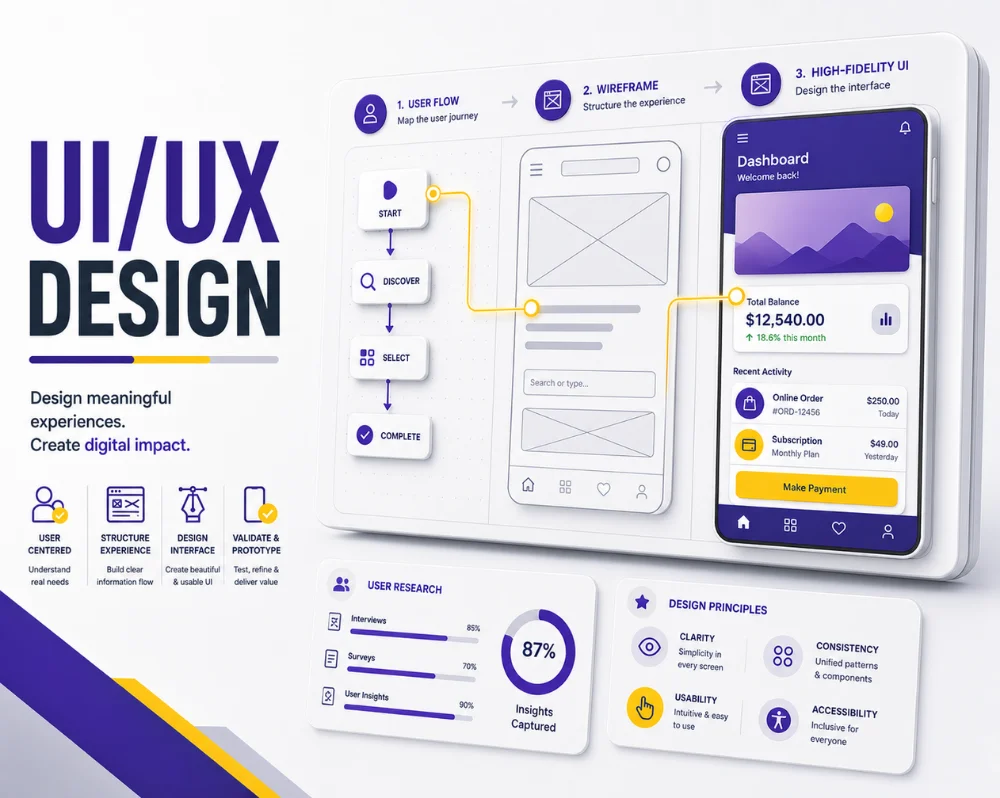
In today's digital age, the user experience (UX) and user interface (UI) of a product can make or break its success. From mobile apps to websites and software interfaces, UI/UX designers play a pivotal role in crafting experiences that captivate users and drive business growth. If you're looking to embark on a rewarding career in this field, a UI/UX design course could be your ticket to success. In this article, we'll explore the ins and outs of UI/UX design courses, what they entail, and why they are essential in the modern tech-driven world.
 Certified Course
Key skills and concepts covered throughout this course.
Build practical UI/UX Design Course skills through live, instructor-led online sessions for learners in Canada. Follow the course with real-time explanations, guided exercises and opportunities to ask questions throughout the training.
Session planning can account for Canadian time zones from Eastern through Pacific time.
Join live online from across Canada and ask questions directly during instructor-led sessions.
Course fees on this market page are displayed in CAD for clearer local comparison.
Review the recommended knowledge and tools before joining.
Professionals from these organisations are represented across Avision Trainings’ learning portfolio.