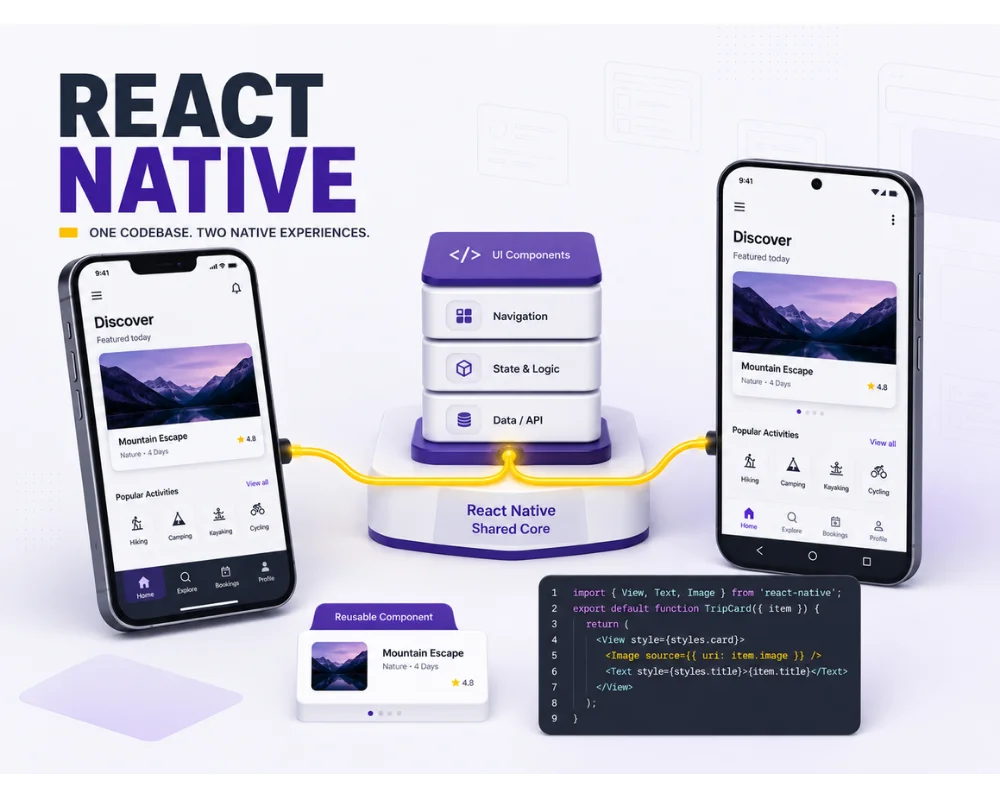
React Native is a popular framework for building mobile apps that run on both iOS and Android. It allows developers to use JavaScript and React to build native mobile apps, saving time and resources compared to developing separate apps for each platform.
Key skills and concepts covered throughout this course.
3 outcomes
Throughout the course, you will learn how to use React Native components and APIs, work with the layout and navigation of your app, and integrate with back-end services. You will also learn how to test and deploy your app to the App Store and Google Play.
By the end of the course, you will have a solid understanding of React Native and the ability to build your own mobile apps. You will also have hands-on experience working with a real-world app, giving you the confidence to start your own projects or take on professional mobile development work.
Our React Native training course is suitable for developers of all skill levels, from those who are new to mobile development to experienced developers looking to expand their skill set. Enroll today and start building the next generation of mobile apps with React Native.
Course Contents
Introduction
Add React to your web designer toolbox
What you should know
Using the exercise files
Introducing React
What is React and what is it good for?
Bookmark React Toolbox: ES6, JSX, and more React Toolbox: ES6, JSX, and more
Bookmark React concepts and jargon React concepts and jargon
Bookmark Everything is components and elements
Everything is components and elements
Bookmark Our React build process
Bookmark React and CSS: A special relationship
React and CSS: A special relationship
Bookmark Installing React Developer Tools
Installing React Developer Tools
First Project: Customizer
Bookmark Installing React on an existing site
Installing React on an existing site
Bookmark Identifying your components and data
Identifying your components and data
Bookmark Set up first simple component
Bookmark Start using JSX with the help of Babel
Bookmark Attaching a data source
Bookmark Create a new component with array data
Bookmark Implement props
Bookmark Implement state with the use State hook
Bookmark Add the color selector component
Bookmark Change options, see reactions
Bookmark Challenge: Activate the color selector
Bookmark Solution
Second Project: Directory Browser
Use the mockup, make a plan
Bookmark Scaffold initial components
Bookmark Functional components
Bookmark Build the filters form
Bookmark Forms in React: Controlled or not
Bookmark Wire up the filters form
Bookmark Respond to filter form updates
Bookmark Animating with React Transition Group
Bookmark Challenge: Better usability and animation
Bookmark Solution: Better usability and animation
Third Project: Status Updater
Use live data from a RESTful API
Bookmark Inspecting your starting React code
Bookmark First API call with use Effect hook
Bookmark Using conditional rendering
Bookmark Bring form fields under control
Bookmark Let form post to the API
Bookmark Lifting state for data visibility
Bookmark Completing the status updater
Before you begin
Course requirements
Review the recommended knowledge and tools before joining.